




Hi there! How can we help you today?
10 Principles of Effective Web Design for a Better User Experience
-
Home
-
Website Design & Branding
-
10 Principles of Effective Web Design for Better User Experience

10 Principles of Effective Web Design for Better User Experience
Discover the 10 key principles of effective web design that ensure a seamless user experience. From usability and consistency to accessibility and visual balance — learn how to design websites that attract, engage, and convert visitors in 2025.
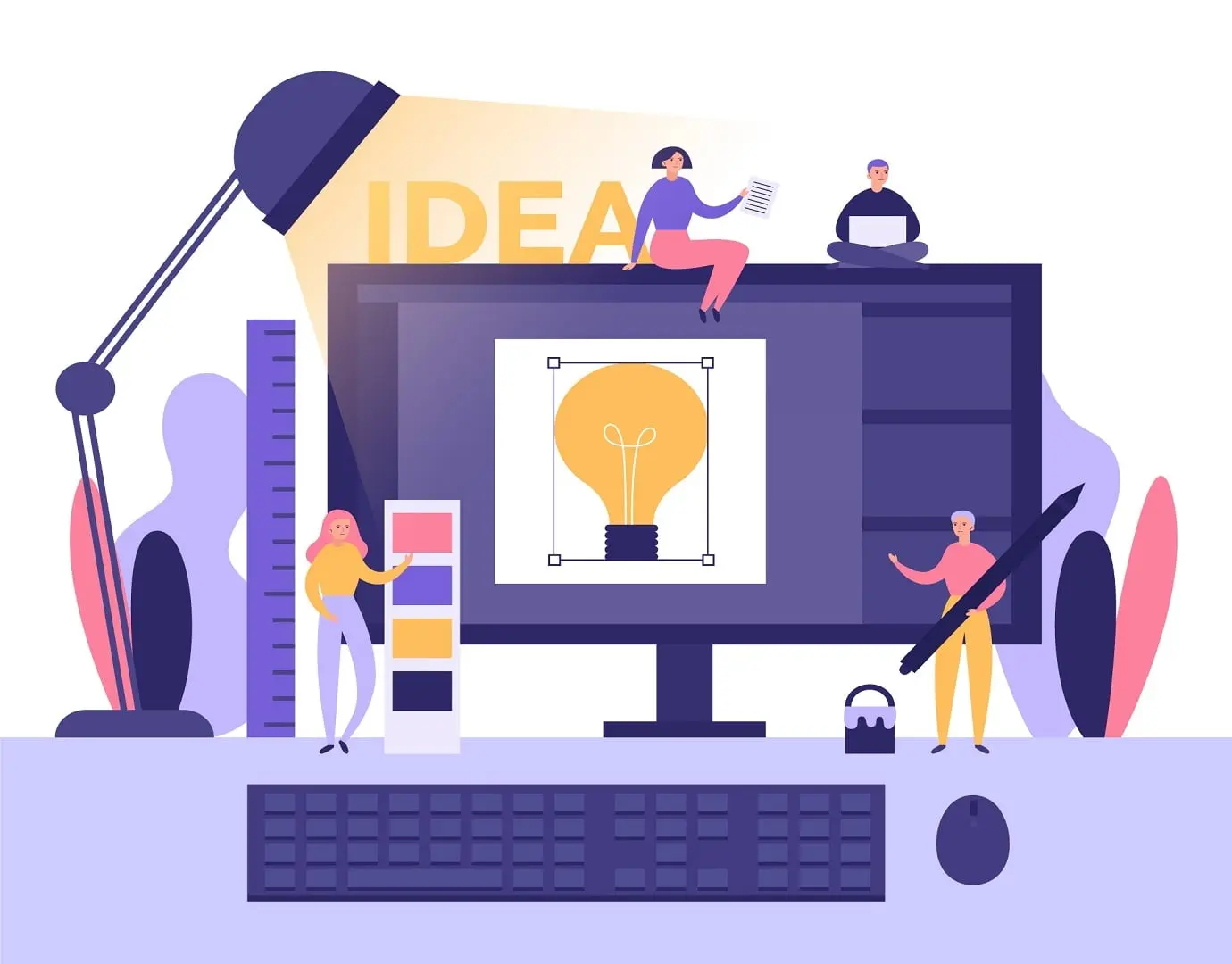
In today’s fast-paced digital world, your website is often the first impression potential customers have of your business. A visually appealing design might catch their attention, but a truly effective website keeps them engaged and guides them toward action.At Elevanex Technologies, we believe great web design goes beyond aesthetics — it’s about creating a user experience that’s intuitive, enjoyable, and efficient.
Here are the 10 principles of effective web design that help you craft websites your users will love.
1. Simplicity Is Key
Clarity beats complexity.
A simple design allows users to navigate your website effortlessly. Use clean layouts, minimal colors, and concise messaging. Avoid clutter and unnecessary animations — focus only on what helps users find information or take action.
Pro Tip: A minimal design improves both load speed and readability.
2. Consistent Design Elements
Consistency creates familiarity and trust.
Use the same fonts, colors, and button styles throughout your site. Your navigation should remain uniform across pages, ensuring users don’t have to re-learn how to interact with each section.
Remember: A consistent design also strengthens your brand identity.
3. Responsive and Mobile-Friendly Layout
In 2025, over 70% of users will browse on mobile devices.
Your website must look and perform flawlessly on all screen sizes. A responsive web design automatically adjusts to different devices, ensuring a seamless experience for every visitor.
Tip: Test your site on multiple devices before launch to catch layout issues early.
4. Fast Loading Speed
Users expect websites to load in under 3 seconds.
Slow load times can drastically increase bounce rates and harm your SEO rankings. Optimize images, enable caching, and use a reliable hosting provider to ensure lightning-fast performance.
Bonus: Google rewards fast websites with better search visibility.
5. Easy Navigation
Good navigation helps users find what they’re looking for without frustration.
Use a clear menu structure, logical categories, and visible search functionality. Breadcrumbs and call-to-action buttons should guide users intuitively through your site.
Example: Keep navigation menus simple — no more than 5–7 top-level links.
6. Visual Hierarchy
Not all content deserves equal attention.
Use size, color, and placement to draw attention to the most important elements — like your CTAs or headlines. A well-planned hierarchy ensures users’ eyes naturally move through your site in a purposeful flow.
Think: Headline → Subheadline → Body text → CTA.
7. Accessible Design for All Users
Accessibility is essential for inclusivity.
Make sure your website can be easily used by people with disabilities. Include alt text for images, ensure strong color contrast, and enable keyboard navigation.
Why it matters: Accessibility not only improves usability but also expands your audience reach.
8. Engaging Visuals and Content
A strong visual appeal keeps visitors interested.
Use high-quality images, videos, and infographics to communicate your message effectively. Pair them with concise, benefit-driven content that addresses user needs directly.
Tip: Balance visuals with whitespace to avoid overwhelming users.
9. Clear Calls-to-Action (CTAs)
Your CTAs guide users toward desired actions — like signing up, purchasing, or contacting you.
Make them clear, visible, and compelling. Use action-oriented text such as “Get Started,” “Book a Demo,” or “Learn More.”
Pro Tip: Each page should have one primary goal — and one primary CTA.
10. Continuous Testing and Improvement
A website is never truly “finished.”
Regularly test your design, content, and functionality to identify pain points. Use analytics tools like Google Analytics or Hotjar to understand user behavior and make data-driven improvements.
At Elevanex we believe in iterative design — evolve your website as user needs evolve.
Final Thoughts
An effective website isn’t just about design — it’s about delivering a memorable and intuitive user experience (UX). By following these 10 principles, you can create a website that not only looks great but also performs flawlessly and converts visitors into customers.At Elevanex Technologies, we design and develop responsive, user-focused websites that help businesses thrive in the digital age.
Share this post:
Related Posts
Web Development How to Conduct a Website Design Audit for Better Performance
Learn how to conduct a website design audit to improve performance, user experience, and conversions...

Website Design & Branding Top 5 Web Design Trends to Watch in 2025
Discover the top 5 web design trends shaping 2025 — from immersive 3D visuals to AI-driven personali...
Website Design & Branding The Psychology of Color in Web Design: What You Need to Know
Discover how color influences user emotions, behavior, and decision-making in web design. Learn how...