





Hi there! How can we help you today?
The Difference Between UI and UX Design: A Complete Guide
-
Home
-
UI/UX Design
-
The Difference Between UI and UX Design: A Complete Guide

The Difference Between UI and UX Design: A Complete Guide
UI and UX design are often confused, but they serve different purposes. This complete guide explains the key differences between UI and UX design, how they work together, and why both are essential for creating successful digital products.
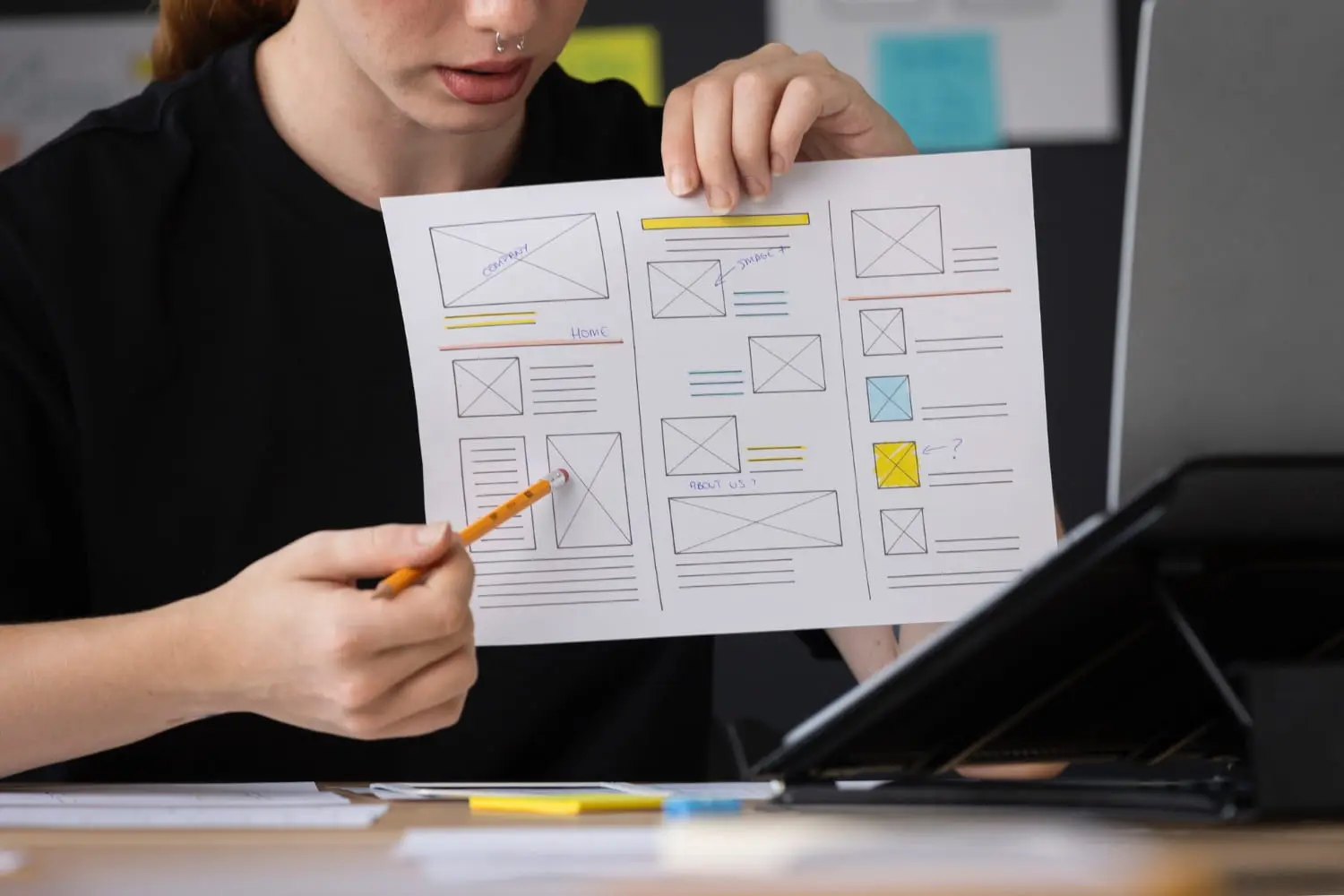
In today’s digital world, design plays a huge role in how users perceive and interact with a website or app. Two terms you’ll often hear are UI Design and UX Design. While they’re closely related, they are not the same thing.
Many people use UI and UX interchangeably—but understanding the difference can help you build better products, improve user satisfaction, and increase conversions.
In this complete guide, we’ll break down what UI and UX design really mean, how they differ, and why both are essential for successful digital products.
What Is UX Design?
UX (User Experience) Design focuses on the overall experience a user has while interacting with a product.
The goal of UX design is to make the product:
- Easy to use
- Efficient
- Logical
- Enjoyable
UX designers think about the user’s journey from start to finish. This includes how users find information, complete tasks, and feel while using the product.
Key Responsibilities of UX Design
- User research and personas
- User journey mapping
- Wireframing and prototyping
- Information architecture
- Usability testing
- Identifying pain points and improving flows
Example of UX Design
If a user can easily find a product, add it to the cart, and complete checkout without confusion, that’s good UX—even if the design is very simple.
What Is UI Design?
UI (User Interface) Design focuses on the visual and interactive elements of a product.
UI designers make sure the product:
- Looks attractive
- Feels consistent
- Matches the brand
- Is visually clear and engaging
UI is what users see and interact with on the screen.
Key Responsibilities of UI Desi
- Buttons, icons, and layouts
- Colors, fonts, and spacing
- Visual hierarchy
- Responsive design
- Interactive states (hover, active, animations)
Example of UI Design
Well-designed buttons, clean typography, attractive colors, and smooth animations all contribute to a great UI.
The Core Difference Between UI and UX Design
UX Design | UI Design |
Focuses on experience | Focuses on appearance |
Research-driven | Design-driven |
Solves user problems | Enhances visual interaction |
Defines structure and flow | Designs screens and elements |
Happens early in the process | Comes after UX planning |
Simple way to remember:
- UX is about how it works
- UI is about how it looks
How UI and UX Work Together
UI and UX are two sides of the same coin. A product needs both to succeed.
- Great UX with poor UI feels boring or unfinished
- Great UI with poor UX feels frustrating to use
When UX defines the structure and flow, UI brings it to life visually.
Real-Life Analogy
Think of a restaurant:
- UX is the menu layout, seating comfort, service flow, and ordering process
- UI is the interior design, colors, lighting, and presentation
Both affect the overall experience.
Why UI and UX Matter for Businesses
Investing in both UI and UX design can:
- Increase user engagement
- Improve customer satisfaction
- Reduce bounce rates
- Boost conversions and sales
- Build trust and brand credibility
A visually attractive website won’t perform well if users can’t navigate it easily. Likewise, a highly usable website won’t stand out if it looks outdated.
Common Misconceptions About UI and UX
- “UI and UX are the same thing” – They’re related but serve different purposes
- “UX doesn’t need visuals” – UX influences UI decisions
- “UI is just about colors” – UI includes interaction, accessibility, and consistency
- “UX is only for big apps” – Even small websites need good UX
Which One Is More Important?
Neither is more important than the other.
A successful product requires:
- Strong UX to guide users smoothly
- Polished UI to engage users visuallIgnoring either one can hurt the overall experience.
Final Thoughts
Understanding the difference between UI and UX design helps you make smarter decisions when building websites or apps. UX ensures your product works well for users, while UI ensures it looks and feels great.
Tags:
UI Design UX Design UI vs UX Web Design Product Design User Experience User Interface Digital Design Website Design App Design Design BasicsShare this post: